
Mixing
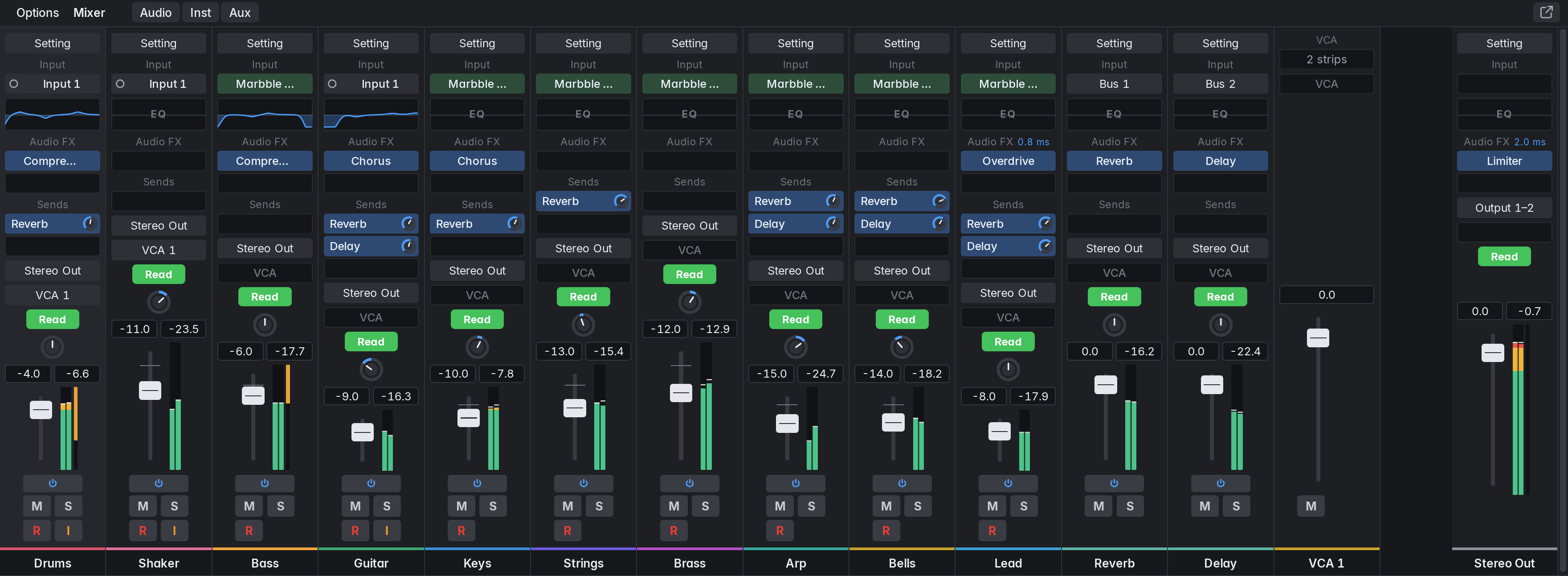
Open the Mixer with X. It shows a channel strip for every track (stacks included), then the auxes, then the VCA strips, then Stereo Out. The Audio, Inst and Aux buttons filter the strips. Hidden tracks appear only in hide mode. The Inspector shows the selected track’s strip and Stereo Out.